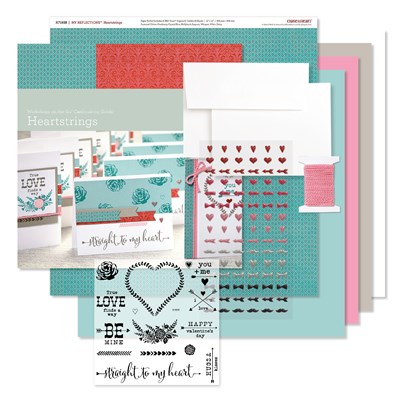
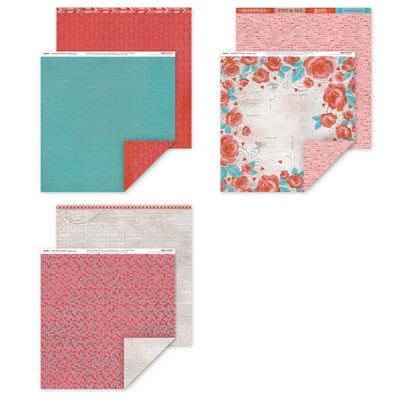
Each month CTMH highlights a paper pack from the current Idea Book.
This month's featured pack is Sugar Rush.
Today's Artwork can be found on page 15 of the new Seasonal Expressions Idea Book.
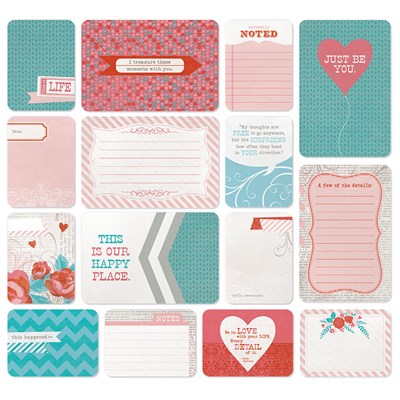
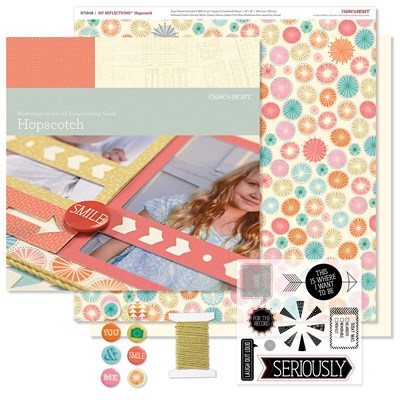
Scrap your favourite summer treat memories with CTMH Pocket Page Protectors and CTMH Sugar Rush. The Sugar Rush Paper Packet includes pocket cards ready to cut apart and add your personal touches with Complements and journaling. Or create your own cards using the double-sided cardstock.
Page Protectors are available in assorted 12x12 sizes and we now have Pocket Plus Protectors available to add a few extra cards or photos to your traditional layouts or pocket pages.
To see an example of how to use the Pocket Plus Protectors download the free Project Guide from the Workshops Your Way® Sugar Rush Scrapbooking Kit page.
Project Supplies:
Showing posts with label picture my life. Show all posts
Saturday, January 14, 2017
CTMH Sugar Rush Featured Project: Pocket Scrapbooking Layout
Wednesday, August 19, 2015
Handmade Journaling Cards with CTMH Artistry Cricut Cartridge
I was working on my pocket pages today and have a few pages of the kids playing in the Snow during Christmas Break.
I used the CTMH Artfully Sent Cricut Cartridge to make the 3x4 pocket card then using the attach feature in Cricut Design Space, I added the font from the Artistry Cartridge to cut the names out of the card. I backed it with the same patterned paper that I used on the 4x6 card. The Ambersand was stamped using the new CTMH Zoe WOTG stamp set. I added a few Bitty Sparkles for embellishment.
I cut a 4x6 piece of patterned paper and rounded the edges with my CTMH Corner Rounder. I used my Cricut Explore to write my journaling with a Pilot Precise V5 Blue Pen, then inked the edges of the White Daisy Cardstock.
I cut the Snow Day title from my new CTMH Artistry Cartridge in White Daisy and a blue cardstock from my stash. I added a few small snowflakes for embellishment but they don't show up in the photo.
Close To My Heart products used:
CTMH Zoe Workshop on the Go Stamp Set
CTMH White Daisy Cardstock
CTMH Indian Corn Blue Cardstock
CTMH Corner Rounder
CTMH Bitty Sparkles
Labels:
card,
close to my heart,
cricut,
Cricut Artfully Sent cartridge,
Cricut Design Space,
ctmh artistry cricut cartridge,
ctmh zoe,
picture my life,
pocket scrapbooking,
project life,
scrap my stash,
scrapbooking
Monday, March 30, 2015
Last Two Days Of CTMH Seasonal Expressions I Catalogue
Certain items in the first CTMH Seasonal Expressions catalogue are retiring on March 31, 2015.
Last chance to place your order before they are gone for good!
Don't miss out - order yours at http://nancyhelmer.ctmh before 11 pm MT tomorrow.
All orders placed through the Greta's Craft Fair link on my CTMH website will be eligible to win March Mystery Hostess Rewards and I am donating 15% of sales to help Greta a 5 year old with a rare form of Cancer.
Retiring Items:
Heartstrings WOTG Cardmaking Kit - $27.50
Heartstrings Complements - $5.50
Last chance to place your order before they are gone for good!
Don't miss out - order yours at http://nancyhelmer.ctmh before 11 pm MT tomorrow.
All orders placed through the Greta's Craft Fair link on my CTMH website will be eligible to win March Mystery Hostess Rewards and I am donating 15% of sales to help Greta a 5 year old with a rare form of Cancer.
Retiring Items:
Heartstrings WOTG Cardmaking Kit - $27.50
Heartstrings Paper Pack - $10.95
Heartstrings Complements - $5.50
Heartstrings Assortment - $6.50
Heartstrings Picture My Life - $9.75
Hopscotch WOTG Scrapbook Kit - $32.95
Hopscotch Paper Pack -$10.95
Hopscotch Complements - $5.50
Hopscotch Assortment - $6.50
Cut Above Valentine Treat Bag Kit - $16.50
Cut Above Birthday Card Kit - $10.95
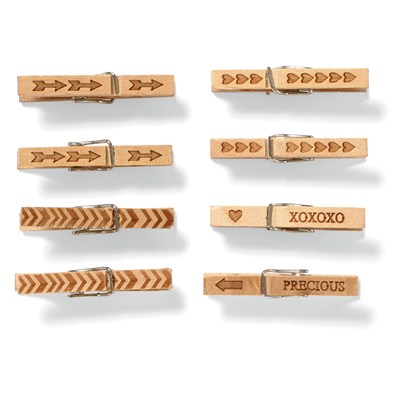
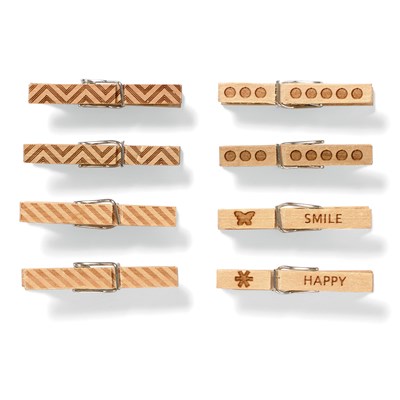
Lovestruck Mini Clothespins - $5.50
Happy Day Mini Clothespins - $5.50
Junebug Puffies - $5.50
Stuck On You Puffies - $5.50
Visit my Close To My Heart Website today to order these products before they are gone for good.
Labels:
close to my heart,
ctmh,
picture my life,
rubber stamp,
sale
Tuesday, December 2, 2014
Studio J Layouts
I placed an order at the end of November to take advantage of the $5 Layout Special pricing.
I did a cost comparison in a previous blog post comparing the regular Studio J pricing to what I paid at my local Costco for 12x12 layouts.
With the November Special I ordered 12 Studio J layouts, which is the equivalent of 24 pages from Costco.
Costco price: 24 x 4.99 = $119.76
My Studio J order total with my Consultant Discount of 22% plus s&h and tax = 69.63
Savings of $2.09 per 12x12 layout!
I did a cost comparison in a previous blog post comparing the regular Studio J pricing to what I paid at my local Costco for 12x12 layouts.
With the November Special I ordered 12 Studio J layouts, which is the equivalent of 24 pages from Costco.
Costco price: 24 x 4.99 = $119.76
My Studio J order total with my Consultant Discount of 22% plus s&h and tax = 69.63
Savings of $2.09 per 12x12 layout!
In Studio J you can choose from 3 types of layouts - in these I choose a photo template & a paper kit then dragged my photos into the photo wells, added my titles & journalling and embellishments and coloured the existing embellishments (ribbons & buttons). You can also delete anything that you don't want, you can resize and add more pictures with this type of layout. There are 130 kits to choose from. There is also a Studio J app for iPhone that shows all the kits. I find it handy to look at so I don't have to go back and forth in the program.
In this next set I chose from pre-done layouts.
These were really fast I just added my photos and personalized with my own titles and journalling.
With this type of layout you can't make as many changes but it is fast and great if you don't have a lot of experience. Great way to learn how to use the software and then move on to the other types of layouts when you are more comfortable with how the program works. And since there is no charge to use Studio J you can make an unlimited amount of pages while you learn the program.
And finally I choose a No Limits layout.
You can do anything with the No Limits.
I added a page that I had created in My Memories scrapbook software to the left side and a page I created with the Project Life iPhone app on the right.
You can also fill the page with different sizes of photos.
Great way to save on photo finishing when you use odd sizes (like 2x2 or 2x3 or 6x8) in traditional scrapbooking or pocket scrapbooking.
You can create as many layouts as you want and won't be charged anything until you purchase your prints. The software is web-based so you need an internet connection to use it.
I often upload my pictures into different projects from my desktop and then login from a laptop or even from my iPhone (with Puffin web browser).
Layouts are saved in the software for 90 days which gets extended once you make a purchase. I created over 50 layouts but only purchased 12 - the expiry date was extended after I ordered. I created many of the layouts back in July when I was first off work for my tendinitis and very limited to how I could use my left hand.
Digital scrapbooking was the perfect option to be able to work on my scrapbooking without having to do any cutting or stamping and hurt myself more.
Feel free to contact me if you have any questions about Studio J. There are also many video tutorials on the Studio J site.
If you live in the Langley, BC area and would like to see how it works I will be doing tutorials in the New Year. Sign up for my newsletter to be notified of upcoming dates.
Try it free today at http://nancyhelmer.studioj.com
Labels:
close to my heart,
ctmh,
digital scrapbooking,
digital scrapbooking software,
free,
my memories,
picture my life,
project life,
scrapbook layout,
scrapbooking,
studio j,
tutorial
Sunday, November 30, 2014
Using QR Codes In Your Scrapbook Layouts
Well I'm happy to say that I finally found a way to integrate all the videos that I take with my camera and cell phone into my scrapbook pages!
When I import into my computer everything is saved by date in iPhoto. Then I create separate folders by year, month and layout so everything is grouped together. Most of the time I've just deleted or worked around any videos that were in those folders. Now I'll be able to go back and add in the videos and as I do each layout I can add a QR code to my page and anyone with a QR reader on their phone can scan and be directed to the video.
I played around with it today and it was pretty easy.
Here's step by step of what I did:
When I import into my computer everything is saved by date in iPhoto. Then I create separate folders by year, month and layout so everything is grouped together. Most of the time I've just deleted or worked around any videos that were in those folders. Now I'll be able to go back and add in the videos and as I do each layout I can add a QR code to my page and anyone with a QR reader on their phone can scan and be directed to the video.
I played around with it today and it was pretty easy.
Here's step by step of what I did:
- First I add a video to my YouTube account.
- Then I copied the link to the URL for the video
- I used the code generator at http://www.qr-code-generator.com/ to get my image in jpg format.
- I downloaded it into iPhoto and renamed it so I would know which video it was.
- I also created a folder on my desktop with the qr code and the pictures I wanted to scrap with it.
- I opened Studio J and created a layout with my pictures and added two qr codes linking to two different videos that I had take when I took those photos.
This is my Studio J layout with the two codes added in. The first video is my dogs wanting to go outside. And the second is them rushing out the door to play in the snow. It's also our puppy's first snow so I'm happy I could add these great moments.
If you do pocket scrapbooking or digital pocket scrapbooking you can add the qr code to a digital journaling card and either print it out as a photo or use it on a digital layout. I had this card already saved so I just added a photo box for the QR code.
You can also add the code directly to a photo and then have it printed or use it in a digital layout.
If you do traditional layouts or pocket scrapbooking you can print the QR code onto paper and add it to your layout or journaling cards.
Feel free to contact me for more information on using QR codes in your layouts or leave a comment below. Happy Scrapping!!
Labels:
digital scrapbooking,
digital scrapbooking software,
my memories,
picture my life,
project life,
qr code in scrapbook,
scrapbook layout,
scrapbooking,
studio j,
tutorial,
youtube
Saturday, November 29, 2014
Last Days of Studio J $5 layout sale & using Studio J with outside programs
Just today and tomorrow left to take advantage of the Studio J Lucky 5 promotion. You get a 12x24 layout printed for only $5.00 plus s&h. That is about half the price of what I would pay to get my pages printed here - Costco charges $4.99 for a 12x12 layout. CTMH Consultants also get a 22% discount off of that price and orders count towards your quarterly minimums. I've been working on layouts all week - just need to do my final spell checks and I'll be ready to order.
If you aren't familiar with Studio J - it is an online digital scrapbook program by Close To My Heart. You login, create a project, upload photos, choose a digital kit and a two page photo layout or create your own with the No Limits feature. Drag and drop your pictures, add some journalling, titles and embellishments and your done. There is also an option with the pages pre-finished and you just add your photos and journaling - I found those were a real time saver. The program saves your layouts for 90 days so you can order as many layouts as you want. It's flat rate shipping so more economical to save them up and do a larger order all at once.
So that's the basics - there are many other things you can do with the software. If you are a traditional scrapbooker and like to print out odd sized photos you can do that too. Just use a No Limits page and create the photo wells in the sizes you like and drag and drop your pictures in - great for those odd sizes like 2x2, 3x3 or larger 5x7.
If you are a digi-scrapper you can import your jpgs created with other software and get those 12x12 layouts printed at a great rate. Or print out digital images for use in pocket scrapbooking. I have a lot of digital journalling cards that I can now add to my regular pocket album. I can even import them and add a text box and do my journalling right in Studio J before I get them printed.
When I checked my email this morning I had an offer to buy the Project Life app for iPhone for $.99 this weekend. I decided to download it and then did a search online to learn more about it. You can use your photos that you take with your phone in the app or use photos from Dropbox. For me that's a bonus because I personally don't care for many of the Project Life journalling cards. So I can save my digital journalling cards (lots of free graphics online) and import them right from Dropbox.
So that's the basics - there are many other things you can do with the software. If you are a traditional scrapbooker and like to print out odd sized photos you can do that too. Just use a No Limits page and create the photo wells in the sizes you like and drag and drop your pictures in - great for those odd sizes like 2x2, 3x3 or larger 5x7.
If you are a digi-scrapper you can import your jpgs created with other software and get those 12x12 layouts printed at a great rate. Or print out digital images for use in pocket scrapbooking. I have a lot of digital journalling cards that I can now add to my regular pocket album. I can even import them and add a text box and do my journalling right in Studio J before I get them printed.
When I checked my email this morning I had an offer to buy the Project Life app for iPhone for $.99 this weekend. I decided to download it and then did a search online to learn more about it. You can use your photos that you take with your phone in the app or use photos from Dropbox. For me that's a bonus because I personally don't care for many of the Project Life journalling cards. So I can save my digital journalling cards (lots of free graphics online) and import them right from Dropbox.
Here is the first layout that I made with the app. The kit choices included with the app are very limited and I'm not going to spend money on any other kits when I can use my own graphics. The Snow Fun card is one that I downloaded for free off the internet and uploaded to Dropbox from my computer. I was then able to add it to the layout in the app. It was fun to play around with and I can see it being handy for pictures that I don't necessarily want to keep but can still scrapbook while it's fresh in my mind. These pictures are from last night - it had just started to snow and my 4 month old puppy needed to go out. I took them with my cell phone and they aren't great quality but I'm happy I've got a quick page done. It's these everyday moments that I love to capture and too often I miss out because I wait too long to scrap them.
Another fun iPhone app that was recommended when I was looking into the Project Life app was one called Phonto. It was a free app that lets you write directly onto your photos. I tried it out on a picture with my dogs and it worked great.
Now I can add it to a Studio J page or a pocket scrapbook page and don't have to wonder later why I have a random picture of the dogs looking out the window.
Here is the layout I made with the Project Life app imported into Studio J alongside a 12x12 layout that I made in My Memories:
Feel free to contact me if you have any questions about Studio J. There's no cost to try it out and you don't need to create an account right away either.
Labels:
close to my heart,
digital scrapbooking,
digital scrapbooking software,
freebie,
my memories,
picture my life,
project life,
scrapbook layout,
scrapbooking,
studio j
Saturday, November 8, 2014
CTMH Artfully Sent Snowman Swing Card
Here's another quick card that I made with the new CTMH Artfully Sent Cricut Cartridge. I saw this card on Facebook done in pink and white - check out Create with Julie to see my inspiration.
This card was so easy - just two cuts with my Cricut & some embellishments.
This cartridge comes with over 700 images - there are pop-up cards, swing cards, pocket cards, scene cards and you can make your own Picture My Life cards.
For more information check it out on my Close To My Heart website:
Labels:
artfully sent,
card,
cards,
christmas card,
close to my heart,
cricut,
Cricut Artfully Sent cartridge,
ctmh,
picture my life
Tuesday, July 8, 2014
Using Studio J for Traditional Scrapbooking
Like to do traditional scrapbooking? Have odd size pictures you need printed. Here is a great way to use a No Limits layout to get all those pictures plus a few more. I've managed to layout enough photo wells for three 12x12 layouts that are for projects out of the new catalogue. And I still had leftover space for some 2x2, 2x3 & 2x4's that I will add to my Picture My Life cards.
Labels:
catalog,
close to my heart,
ctmh,
digital scrapbooking,
digital scrapbooking software,
picture my life,
studio j,
tutorial
Monday, June 16, 2014
CTMH Artiste Cricut Cartridge Magazine Folder
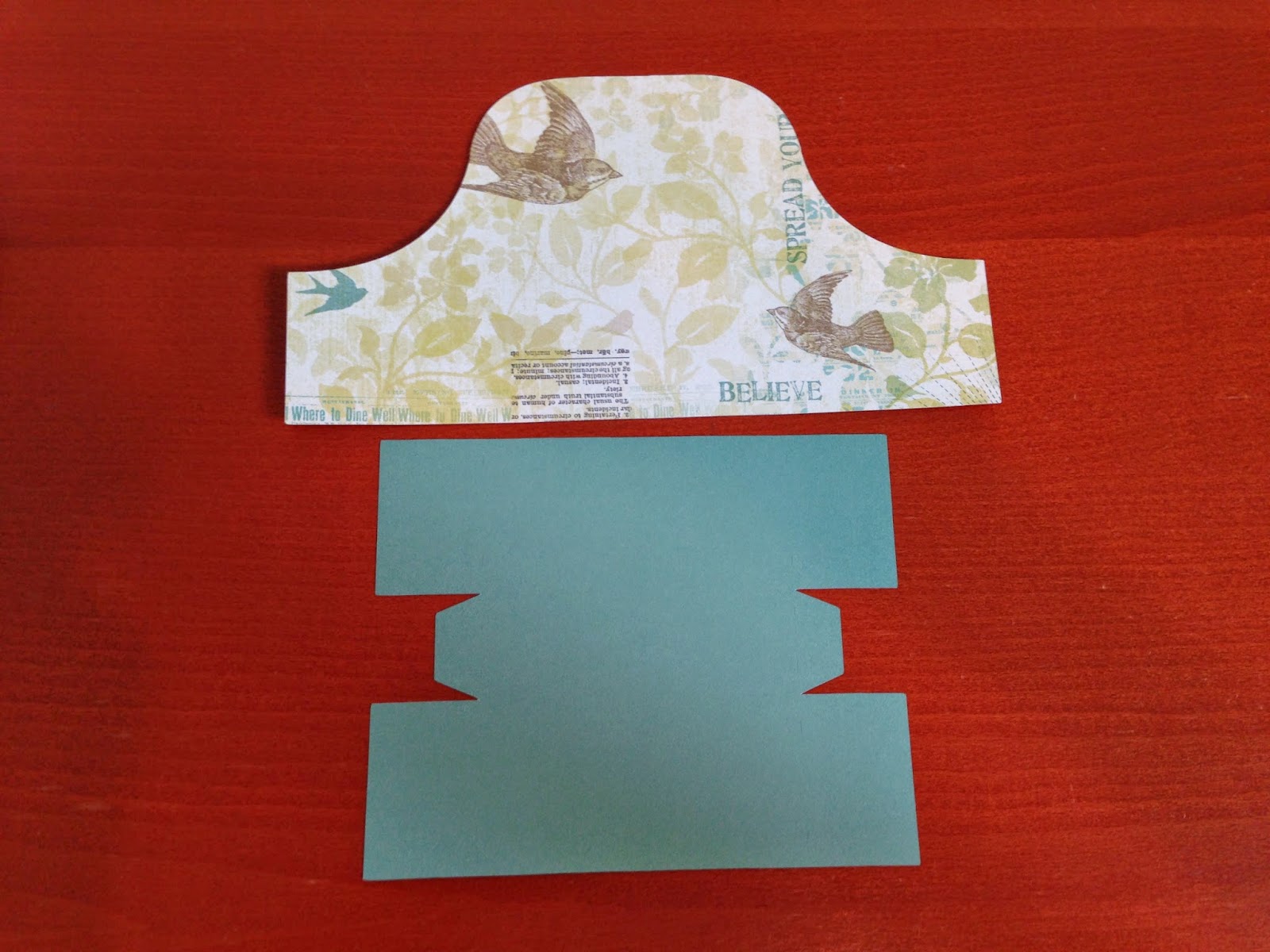
I'm really loving this Artiste cartridge! I joined CTMH so I could get my Artbooking cartridge for free with my kit but so far I've been spending my time making things with the Artiste cartridge instead. I still have quite a bit of left over paper from the Skylark WOTG kit so I thought it would be nice to use some of it up.
I decide to make this magazine folder. The booklet shows which page the instructions are on in the included assembly manual.
I cut it out at 5.5 inches which made it wide enough to hold standard size cards when assembled.
I followed the diagram - so easy!
Used a bone folder to make sure it was all stuck together nice and flat on the ends.
The Cricut cuts score lines - I lined those up on my scoring board and scored the whole thing. I find it easier when my hands are sore to have the lines there instead of trying to line up the little cuts.
Love this Skylark paper.
Perfect little holder for my CTMH Picture My Life cards.
CTMH products used:
CTMH Cricut Artiste Collection z1790 $99
Workshop on the Go Skylark Scrapbooking Kit G1072 $29.95
Labels:
close to my heart,
cricut,
Cricut CTMH Artiste cartridge,
ctmh,
picture my life,
Skylark Workshop on the Go
Subscribe to:
Posts (Atom)